5 New Features to Supercharge Your Creator Workflow
Trending indicators, AI quota tracking, card cloning, top content rankings, and milestone predictions — all live now.
We just shipped five updates to help you track what's working, manage your AI usage, and plan smarter. Here's what's new and why each feature matters for your growth.
1. Dashboard Trending Indicators
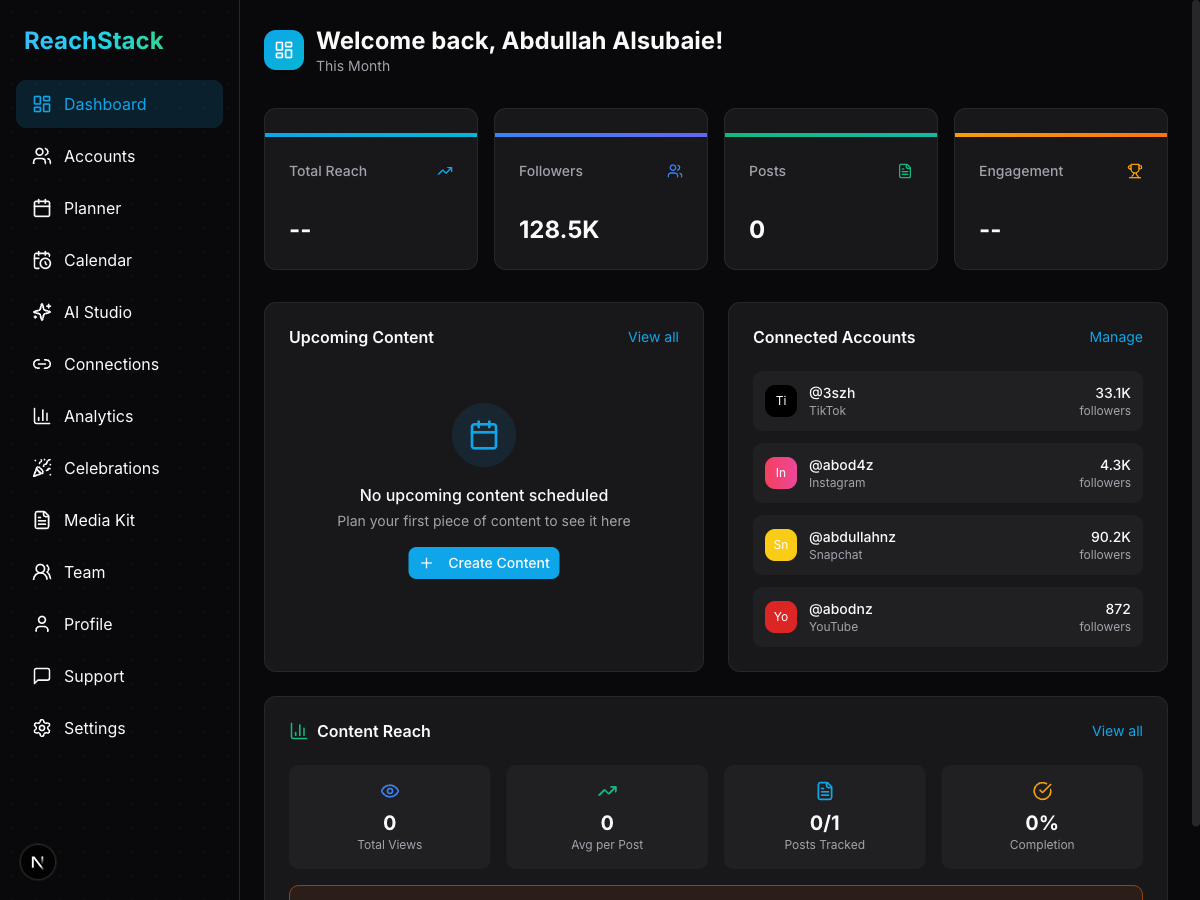
Your dashboard stats now show whether your numbers are heading up or down. Each stat card — Total Reach, Followers, Posts, and Engagement — displays a percentage change compared to the previous period. Free accounts compare against the last 7 days, while Pro accounts get a 30-day comparison for a broader view.
Why it matters: You can spot growth or dips at a glance without digging through charts — so you know when to double down or course-correct.
2. AI Studio Quota Display
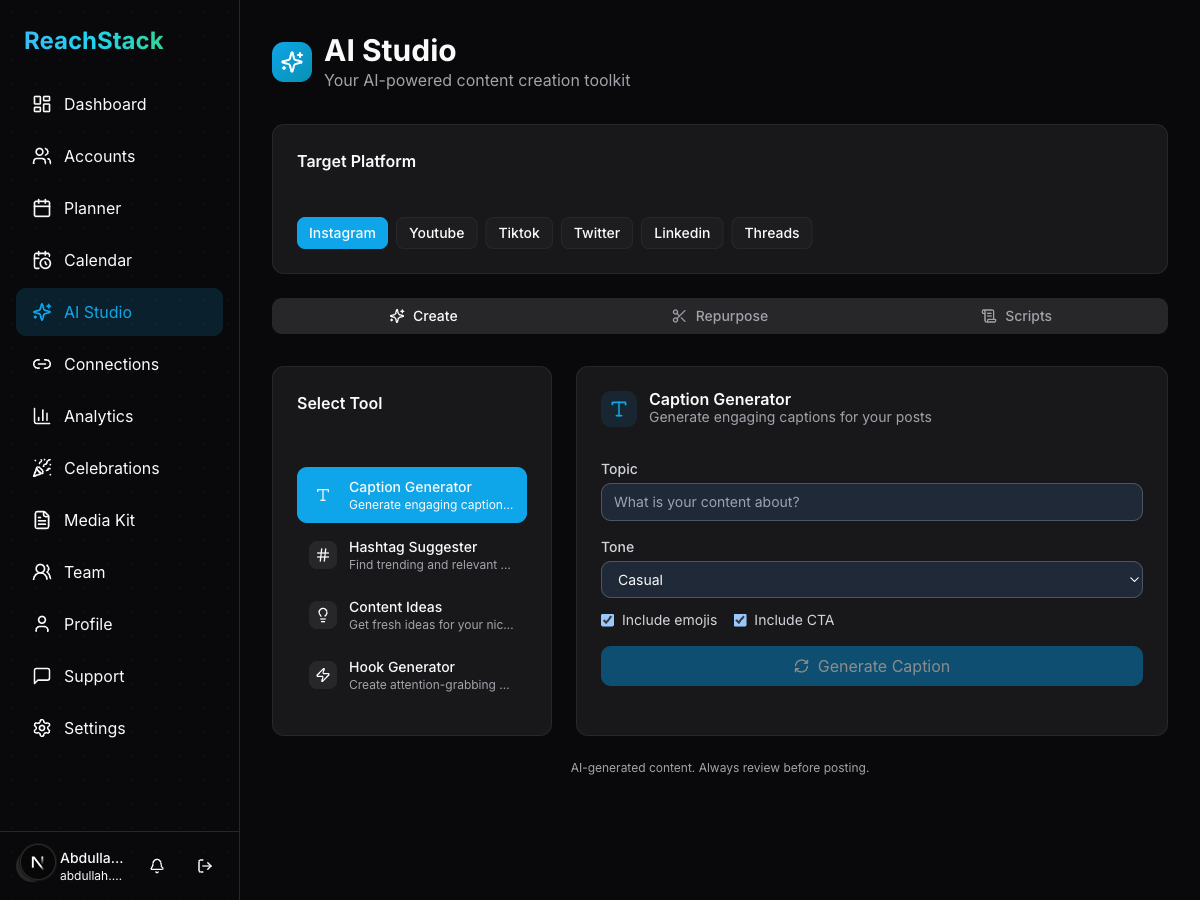
Every AI tool in the studio now shows a progress bar with your current usage. The bar turns amber at 80% and red when you've hit your limit. Below each bar you'll see a clear count like "3 / 5 used" so there are no surprises mid-month.
Why it matters: No more guessing how many AI captions or hashtag suggestions you have left — plan your usage across the month with full visibility.
3. Planner Card Cloning
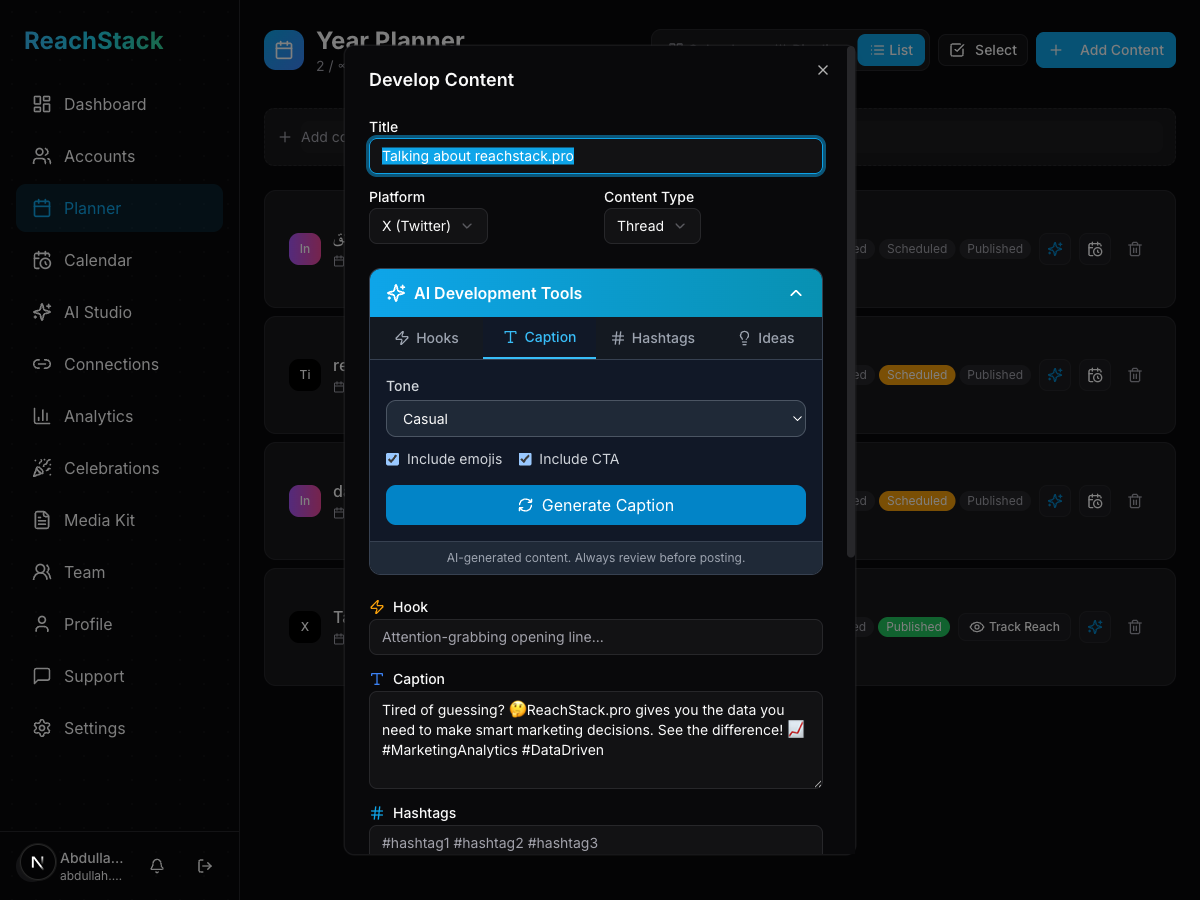
Open any content card in the planner and you'll see a new Duplicate button in the actions area. One click creates a copy of the card with all its details — caption, hook, hashtags, and notes — reset to "idea" status. From there you can switch the platform, tweak the title, and schedule it for a different audience.
Why it matters: Repurpose your best content across platforms in seconds instead of recreating cards from scratch.
4. Analytics Top Performing Content
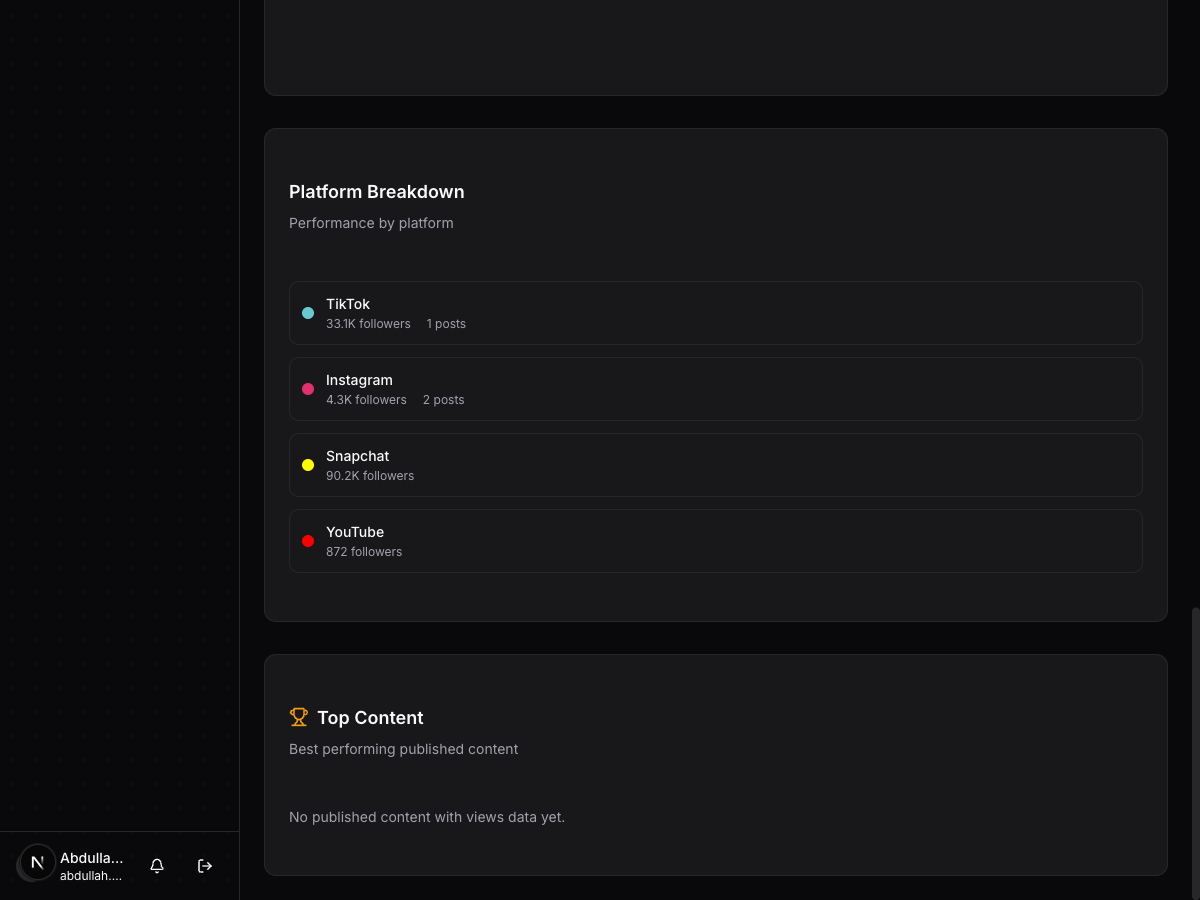
The analytics page now ranks your published content by a weighted engagement score. Likes count as 1 point, comments as 2, and shares as 3 — surfacing the posts that drive real conversations, not just passive views. Free accounts see the top 2 posts, Pro accounts see the full top 5.
Why it matters: Instantly identify what resonates with your audience so you can create more of what works.
5. Milestone Predictions
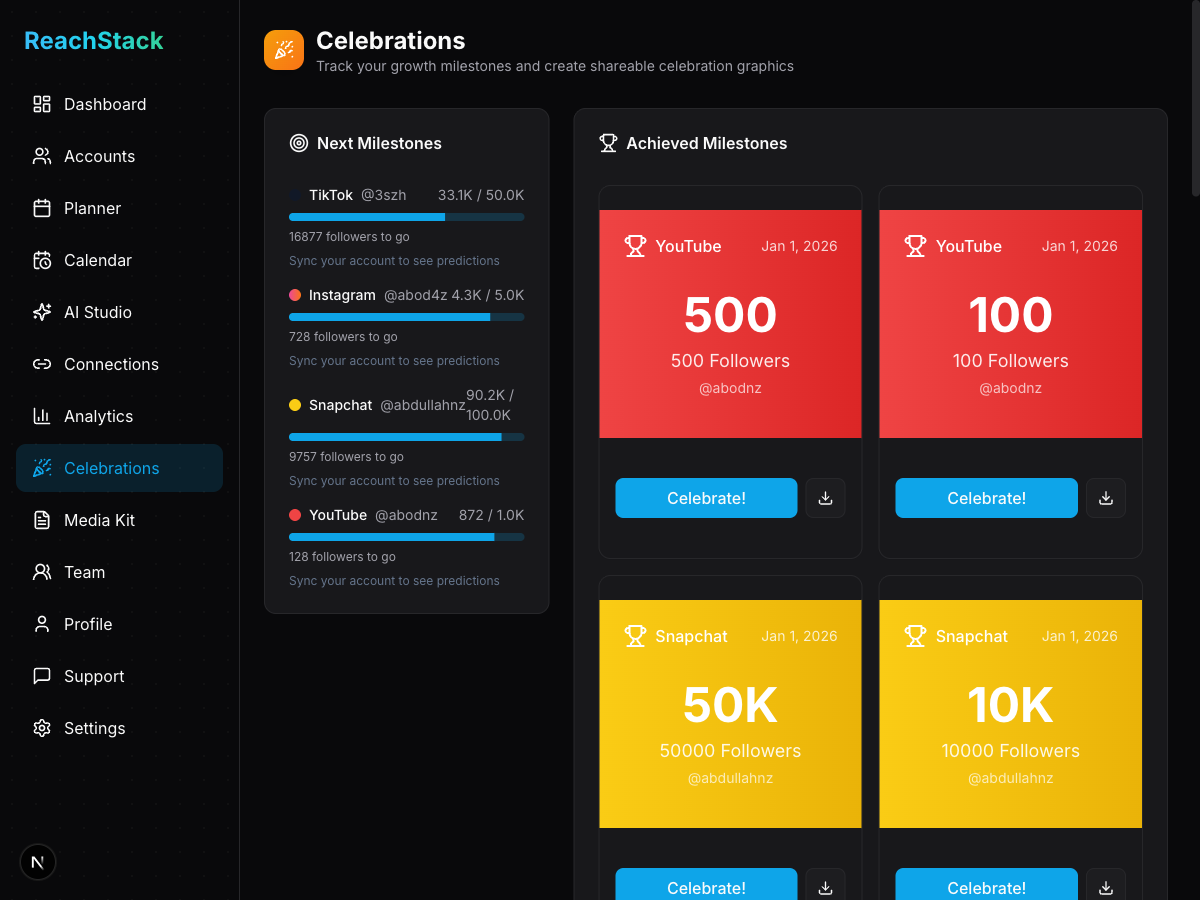
The celebrations page now predicts when you'll hit your next follower milestone. Using linear regression on your historical growth data, it calculates an estimated number of days until you reach the next threshold — whether that's 1K, 5K, 10K, or beyond. The prediction updates daily as new data comes in.
Why it matters: Stay motivated with a concrete countdown to your next big milestone — and share the excitement with your community when you get there.
All five features are live now. Log in to your dashboard to try them out, or sign up free to get started.